My Little Farm: Farming Sim
Review
My Little Farm Online Game provides a straightforward farming loop that is easy to pick up. The process of planting, harvesting, and selling flowers is satisfying and teaches resource management. Replayability comes from expanding your farm and trying different seed types. The lack of time limits makes it perfect for short breaks or longer sessions. It is a solid choice for anyone seeking a peaceful, family-friendly game.
About This Game
Game Introduction
My Little Farm: Farming Sim invites players to experience the simple joy of running a small farm. Starting with a few plots of land, the core objective is to plant, grow, and harvest flowers to earn coins. These coins can then be used to expand your farm by purchasing more land or trying different seeds. The game is designed for players of all ages who enjoy calm, constructive play without any stressful elements. It offers a relaxing and rewarding experience that fits into short play sessions, encouraging planning without being demanding.
How to Play
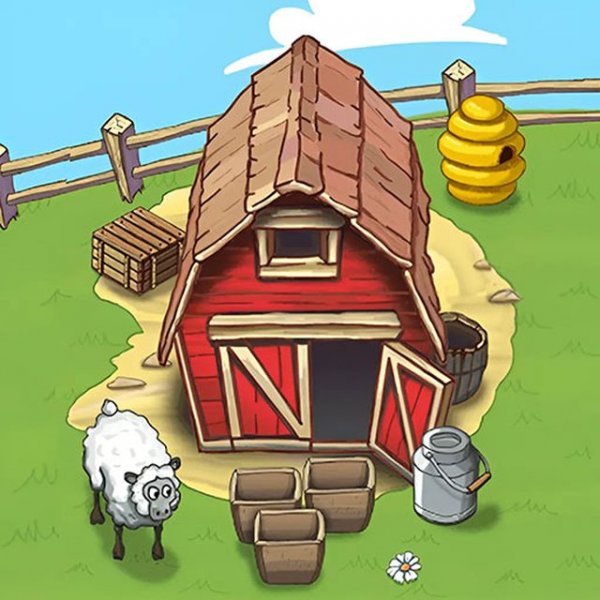
Players begin by clicking on prepared soil to sow flower seeds. After a short waiting period, the flowers sprout and can be harvested before they bloom fully. The harvested flowers are taken to the barn for storage. Once enough flowers are collected, they can be sold for coins. Coins are then used to purchase additional plots of land or new seeds. The key is to plant new seeds on unsown soil while letting existing flowers continue growing for a steady income. All controls are mouse-based and easy to learn.
Game Features
This family-friendly farming simulation features simple point-and-click controls suitable for all ages. There is no time pressure or competitive elements, allowing players to progress at their own pace. The game offers gradual progression that teaches basic economics, such as earning, saving, and reinvesting. Relaxing visuals and sound design contribute to a calming atmosphere. Players can expand their farm by buying more land and experimenting with different types of seeds.
Tips for Success
To make the most of your farming experience, focus on maintaining a steady cycle of planting and harvesting. Always plant new seeds on empty plots while waiting for existing crops to grow. This ensures a continuous flow of flowers to sell. Save your coins to buy additional land early on, as more plots allow for greater production. Patience is key—rushing may lead to mistakes, so take your time and enjoy the process. Finally, experiment with different seeds to see which ones yield the best returns.