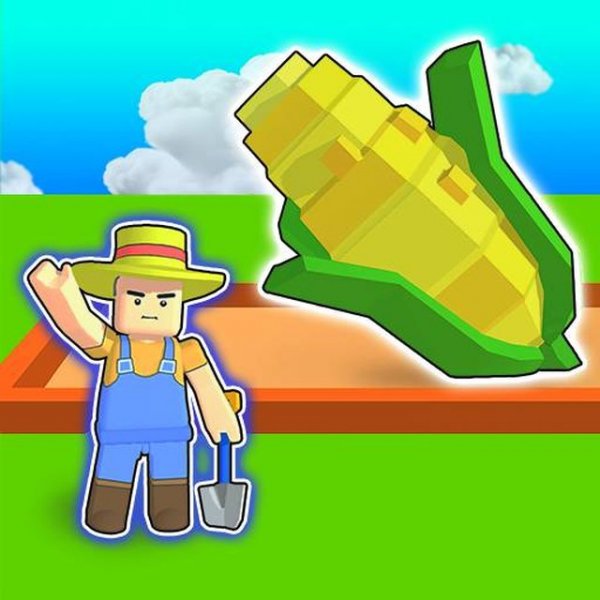
My Garden Journey Farm Sim
Review
My Garden Journey provides a calm and engaging farming experience. The step-by-step tutorial makes it easy to start, and the gradual introduction of new crops keeps gameplay fresh. The teleport feature saves time, and the cheerful graphics appeal to all ages. It offers good replayability as you work to unlock and grow more expensive plants. A solid choice for casual play.
About This Game
Game Introduction
My Garden Journey is a cheerful farming simulation game where you step into the role of a farmer. Your main goal is to grow vegetables from seeds, nurture them until they are ready, harvest them, and sell them at the store. The money you earn can be used to buy new seeds like blueberries and tomatoes, gradually expanding your farm. Designed for players of all ages, the game features simple controls and a bright, happy atmosphere. It runs smoothly on computers, phones, and tablets in modern browsers, with a full-screen option for a more immersive experience.
How to Play
To start, choose your farmer character. Follow the on-screen arrows to the seed stall and buy the first available seeds, such as carrot seeds. Then, go to your garden beds. Click on the seed packet at the bottom of the screen, then click on the ground to plant the seeds. When the crops are fully grown, click the harvest icon on the right to pick them. Next, head to the store to sell your vegetables. Use the money to buy new seeds like blueberry and tomato. Replant the beds to continue growing. You can move between the farm and shops by walking or by using the teleport buttons at the top of the screen for quick travel.
Game Features
Fun farming gameplay suitable for all ages. Simple point-and-click controls that are easy to learn. Works on desktop, tablet, and mobile browsers. Full-screen mode is available for a more engaging experience. Teleport buttons allow fast navigation between areas. Multiple crop types can be unlocked and grown, adding variety to your farm.
Tips for Success
Start with basic seeds like carrots to build your initial funds. Always keep an eye on your crops and harvest them as soon as they are ready to maximize your earnings. Use the teleport buttons to save time when moving between the farm and the store. Gradually invest in higher-value seeds like blueberries and tomatoes to increase your profit. Replant your beds immediately after harvesting to maintain a steady income.